
JAMBOR / NATIVE APPLICATION
Jambor Launcher
A home for the studio’s games. A native experience built entirely with Core Engine.
Beta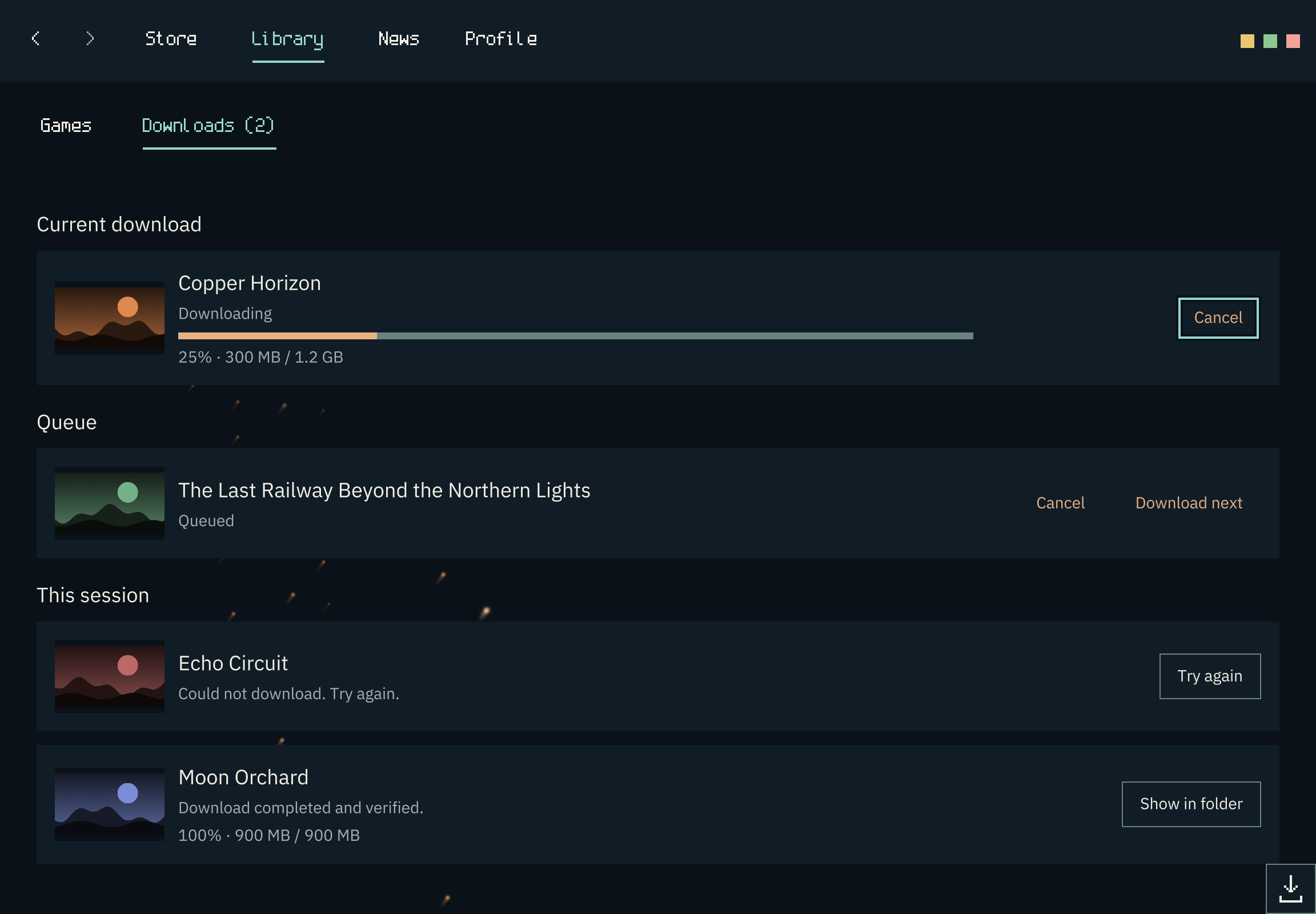
01 / The meeting place
A home for the studio’s worlds.
The store, your account’s library, news, and downloads meet in a native app. This is where we are building access to our games and demos, including a future free game.
02 / Your account
Sign in and find your place.
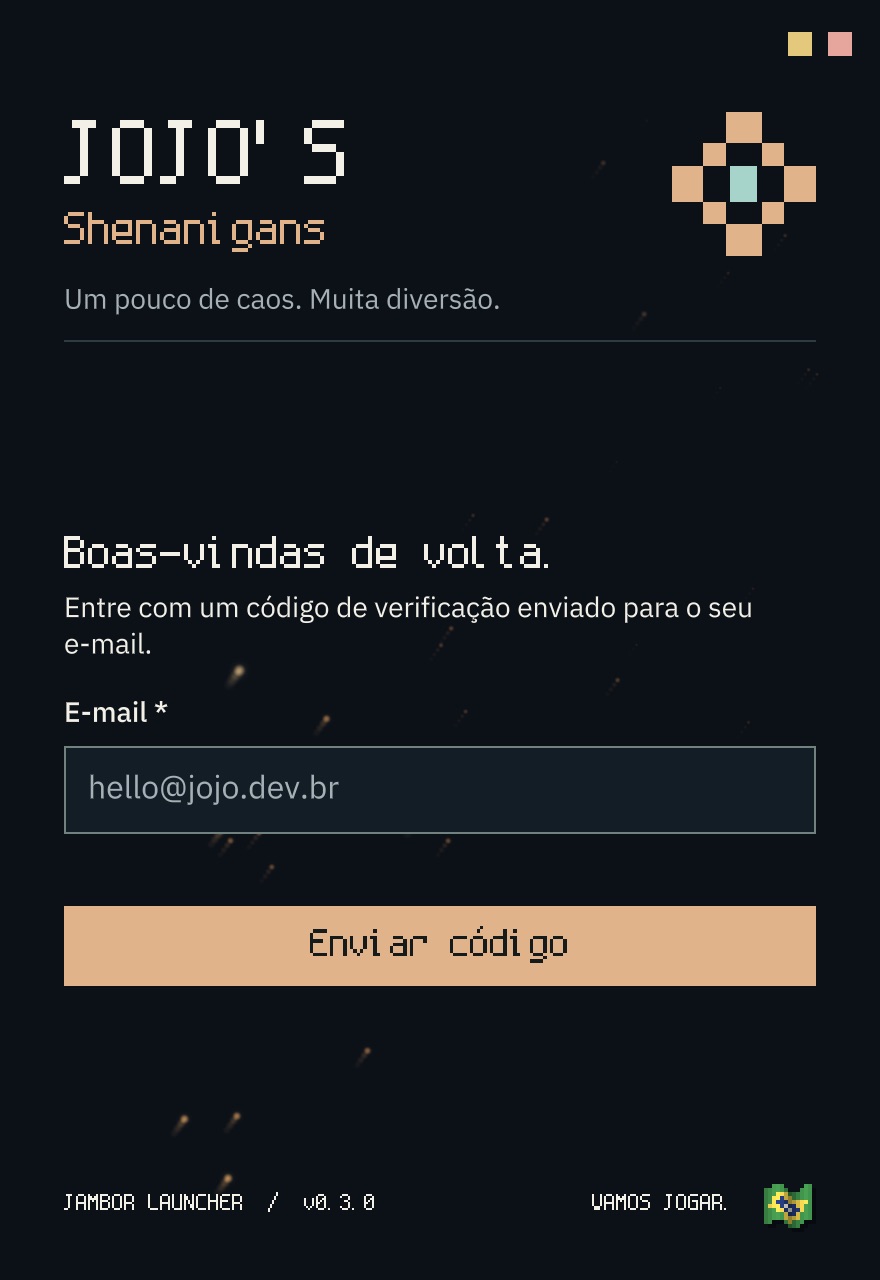
Sign-in uses codes sent by email, with support for two-factor authentication and saved sessions. The library brings together games linked to your account; the store offers search and filters to explore the catalog.
Jambor recognizes the system’s language preference and lets you switch between Brazilian Portuguese and English without losing text you have entered in the interface.
03 / Control and verification
Every transfer has a path.
Track progress, organize the queue, prioritize, cancel, or retry after a failure. Session history records results; size and integrity are checked before a file appears as complete.
- 01Queue
- 02Transfer
- 03Verification
- 04History

04 / CORE ENGINE
Core Engine in every window.
We built all of Jambor with Core Engine, in C# with .NET Native AOT. It powers the interface, rendering, input, window management, and operating system integration.
Explore the technology ↗05 / Beta status
What exists. What comes next.
The beta is an evolving application. These efforts have different states and should not be confused with features already available.
In the current beta
- Email-code sign-in, 2FA, and saved sessions
- Store search and filters; account-linked library
- News and downloads with queue, history, and verification
- Brazilian Portuguese and English; authenticated update checks
In development
- Game installation and launch
- Device activation
- Paid purchases
06 / Start here
Install Jambor.
The beta is available for Windows x64 and ARM64, Linux AMD64 and ARM64, and macOS with Apple Silicon. Check the instructions for your platform before installing.